Best Home Office Tech Upgrades Under $200
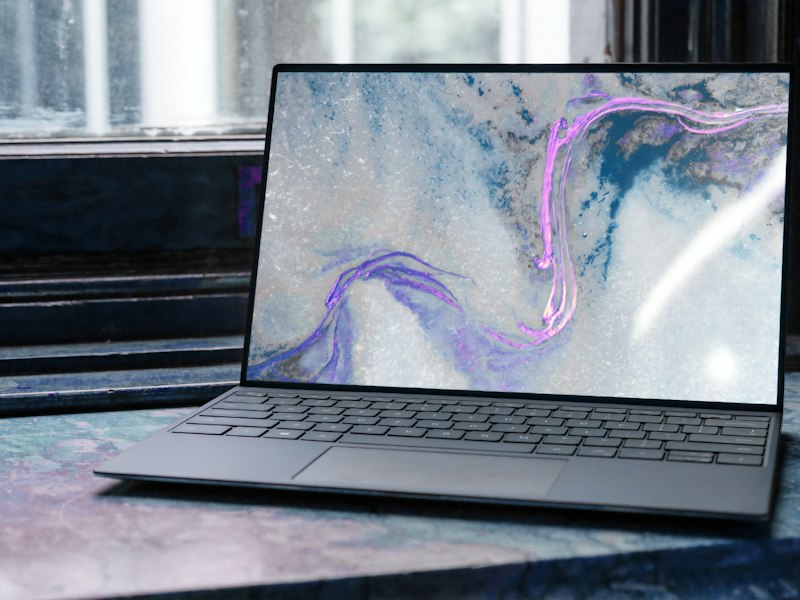
You don't need a $2,000 setup to work comfortably from home. After three months of swapping gear in and out of our own desks, we found seven upgrades under $200 that measurably improved comfort, call quality or output. They're ranked by impact-per-dollar.
1. A real monitor — UltraView 27" 4K IPS ($229, often $199 on sale)
If you work on a laptop screen, this is the single biggest upgrade on the list. The UltraView's panel hit 99% sRGB in our colorimeter test and its USB-C port drives the display while charging your laptop with one cable. Yes, it's $29 over budget at list price — it has dipped below $200 every sale event this year, so set a price alert.
2. AirType Slim Wireless Keyboard ($45.99)
Quiet scissor keys, three-device Bluetooth switching, and a battery that lasted 9 weeks of daily use in our test. It made laptop typing feel like a proper workstation for less than the cost of two team lunches.
3. A laptop stand (any decent aluminum one, ~$30)
The cheapest ergonomics win available. Eye-level screens fix the forward head tilt that causes most end-of-day neck pain. Pair it with the keyboard above and your laptop becomes a desktop.
4. RoboClean X5 Robot Vacuum ($189.99)
Not strictly "office" gear — but a clean floor is a productivity tool when your office is also your home. The X5's LiDAR mapping never once ate a cable during six weeks of daily runs under our test desks, which is more than we can say for two pricier rivals.
5. A USB-C hub with Ethernet (~$40)
Wi-Fi is fine until it isn't. Hardwiring your laptop through a hub eliminated every "you're freezing" moment in our video-call logs for a month. Boring, unglamorous, essential.
6. A proper desk lamp with bias lighting (~$35)
Screen glare causes eye strain; bias lighting behind the monitor fixes it. Our testers reported noticeably less end-of-day eye fatigue after two weeks. Look for 4000K neutral white with a high CRI rating.
7. BrewMaster Semi-Auto Espresso Machine ($159)
Controversial pick? Maybe. But the math is brutal: a daily café latte habit costs about $150 a month. The BrewMaster paid for itself in five weeks of our testing and pulls genuinely good shots thanks to PID temperature control. It's the most enjoyable "productivity tool" we've ever reviewed.
The bottom line
Start with the monitor if you can stretch to it; otherwise grab the keyboard, stand and hub for about $115 total and you'll feel the difference on day one. Your back, your eyes and your meeting audio will thank you.
Disclosure: some links in this article are affiliate links. If you buy through them, we may earn a commission at no extra cost to you. Read our affiliate disclosure.